
What to Do with Thousands of Photos on Your Phone
Overwhelmed by thousands of phone photos? Use this practical system to back them up, remove clutter, organize favorites, and enjoy the memories again.
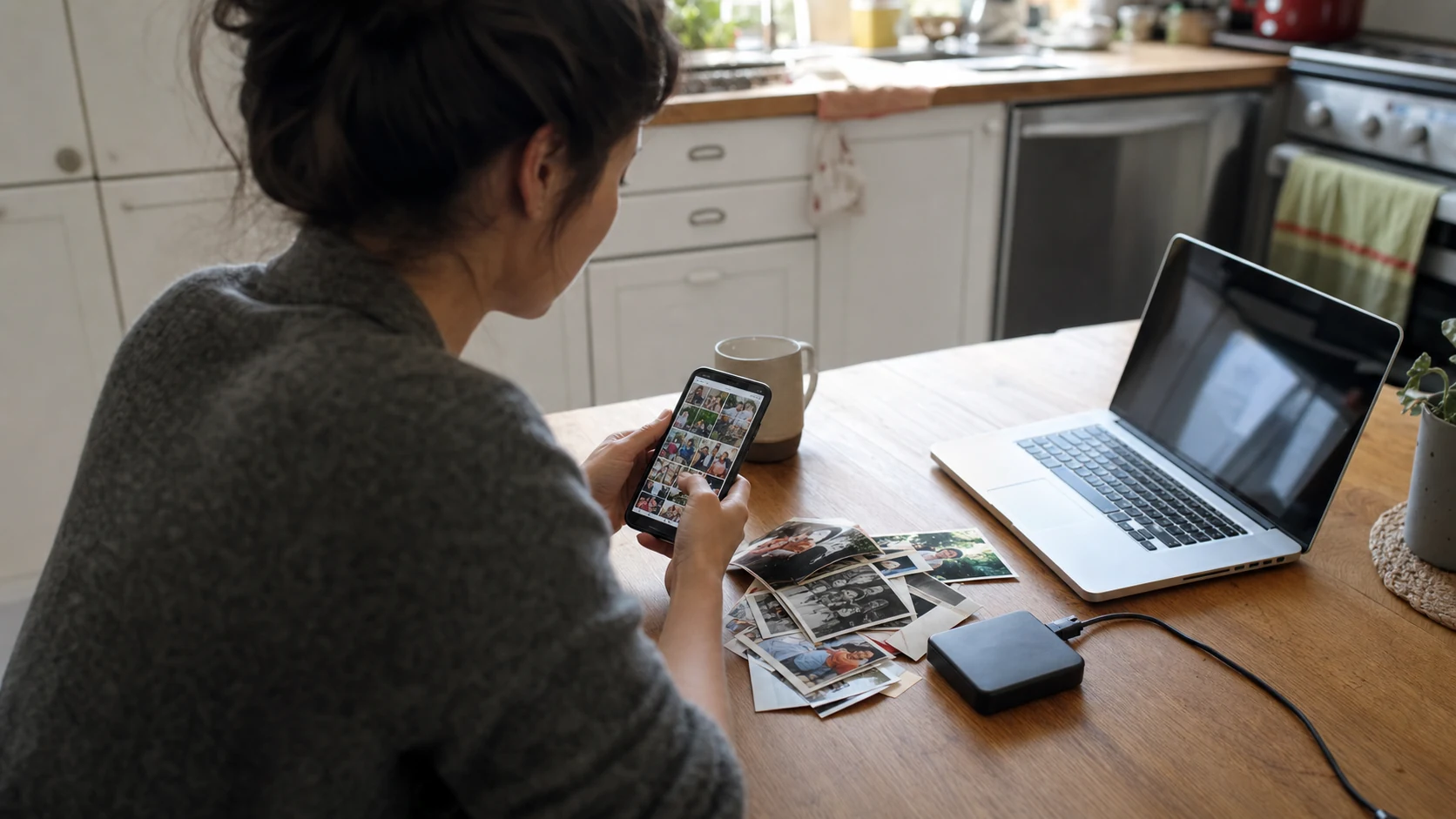
If you have thousands of photos on your phone, do not try to organize the entire camera roll in one sitting. Back it up first, remove obvious clutter in short sessions, choose the memories that matter, and place those favorites into a few useful albums.
The goal is not a perfectly labeled archive. It is a photo library you can find, share, and actually enjoy.
#Why do phone photos become overwhelming?
Modern phones make capture effortless. One moment can produce a burst of near-identical photos, a short video, a screenshot, and an edited copy. Add receipts, memes, school notices, downloaded images, and years of ordinary life, and the camera roll stops feeling like a collection of memories.
The common mistake is waiting for enough time to “deal with everything.” That afternoon rarely arrives. A small repeatable system works better than a heroic cleanup.
#Should you back up photos before deleting anything?
Yes. Confirm that important photos and videos exist somewhere other than the phone before a large cleanup.
A practical backup can include cloud photo storage, a computer, or an external drive. For important family archives, more than one copy is sensible. Open several older photos and videos from the backup to confirm they are really accessible. A backup setting that looks enabled is not the same as a tested copy.
Also check what the service preserves. Original files, edited copies, dates, location information, and live-photo behavior can differ between tools.
#What photos should you delete first?
Start with decisions that carry almost no emotional weight:
- Accidental pocket photos
- Blurry images with a clearly better version
- Old screenshots that no longer contain useful information
- Duplicate downloads
- Photos of products, parking spaces, or documents that have served their purpose
- Long videos you did not mean to record
Do not begin with ten years of family milestones. Easy clutter creates quick progress and makes the meaningful review less exhausting.
Use a 10-minute timer. Stop when it ends, even if the library is not finished. A short cleanup repeated weekly is more sustainable than one session that makes you avoid the task for another year.
#How do you choose the best photos from similar shots?
When five photos show nearly the same moment, keep the one that best preserves the feeling.
Check:
- Are the important faces sharp?
- Is anyone blinking or partly blocked?
- Does one image have better light or a cleaner background?
- Does a short video preserve something the still photo misses?
- Would you display, print, or share this version?
You do not always need one winner. A wide family photo and a close expression may tell different parts of the story. The point is to remove repetition, not flatten the memory.
#What is the easiest way to organize thousands of photos?
Use a small number of albums based on how you naturally look for memories. Good starting structures include:
- Family and close friends
- Trips and holidays
- Birthdays and celebrations
- Children by year or school stage
- Favorites for display
Dates and search tools already handle much of the detailed filing. Albums should represent collections you revisit or share, not every possible category in your life.
Create one album called something like Family Favorites or Worth Displaying. Add only the photos and short videos you would be happy to see appear in the room. That album creates an immediate reward for the cleanup.
#What is the difference between backup and a shared album?
A backup protects the broad library. A shared or display album gives selected memories a purpose.
Trying to make one system do both jobs creates problems. A full camera backup contains screenshots, private images, work references, and repeated shots that do not belong on a household display. A family album should be intentional enough that every invited person and every connected screen is appropriate for its contents.
Keep the archive comprehensive. Keep the display collection selective.
#How can family members help organize shared photos?
Do not ask one person to become the permanent family archivist. Give trusted relatives a clear place to contribute their best photos and videos.
A useful shared-album rhythm is:
- One person owns the album and its permissions.
- Family members add a few worthwhile memories each week.
- Contributors avoid uploading every version of the same shot.
- The owner occasionally removes clutter or moves favorites.
- The album appears somewhere people naturally see it.
The visible result keeps participation alive. People are more likely to add photos when they know those memories will reach a family display instead of disappearing into another storage folder.
#How do you keep your camera roll organized?
Use a routine small enough to survive a busy month:
- Delete obvious clutter while waiting in line.
- Favorite strong photos soon after an event.
- Create the trip or celebration album before memories scatter.
- Review the previous week's photos once a week.
- Add the best few to a shared or display album.
Ten minutes every Sunday is enough to change the trajectory of a camera roll. The habit matters more than the app.
#Frequently asked questions
#How many photos should I keep?
There is no correct number. Keep the archive your storage can support, but make smaller favorite albums for sharing and display. A useful collection is easier to enjoy than an undifferentiated camera roll.
#Should I delete duplicate photos?
Delete obvious duplicates after confirming your backup. Review similar family photos manually because small differences in expression or framing can matter.
#What should I do with old printed family photos?
Scan the important ones, preserve any names and dates written on the back, keep the originals safely, and add selected scans to the same family collections as newer digital memories.
#How can I see my photos more often?
Put favorites into a dedicated album and display that album on a phone, tablet, digital frame, or TV. The best memories should have a destination outside the camera roll.
LumiFrame gives selected photos and videos somewhere to live after the cleanup. Build one meaningful album, invite the people who already capture family life, and let the best memories appear on the screens you actually use.
#Keep reading
Adding memories guide · Memories and storage guide · Family sharing without the chaos