Loading…


10 articles
Blog
Practical ways to organize, share, and display the photos and videos that matter, from private family albums and TV slideshows to guest-friendly events.
Topic
Ideas
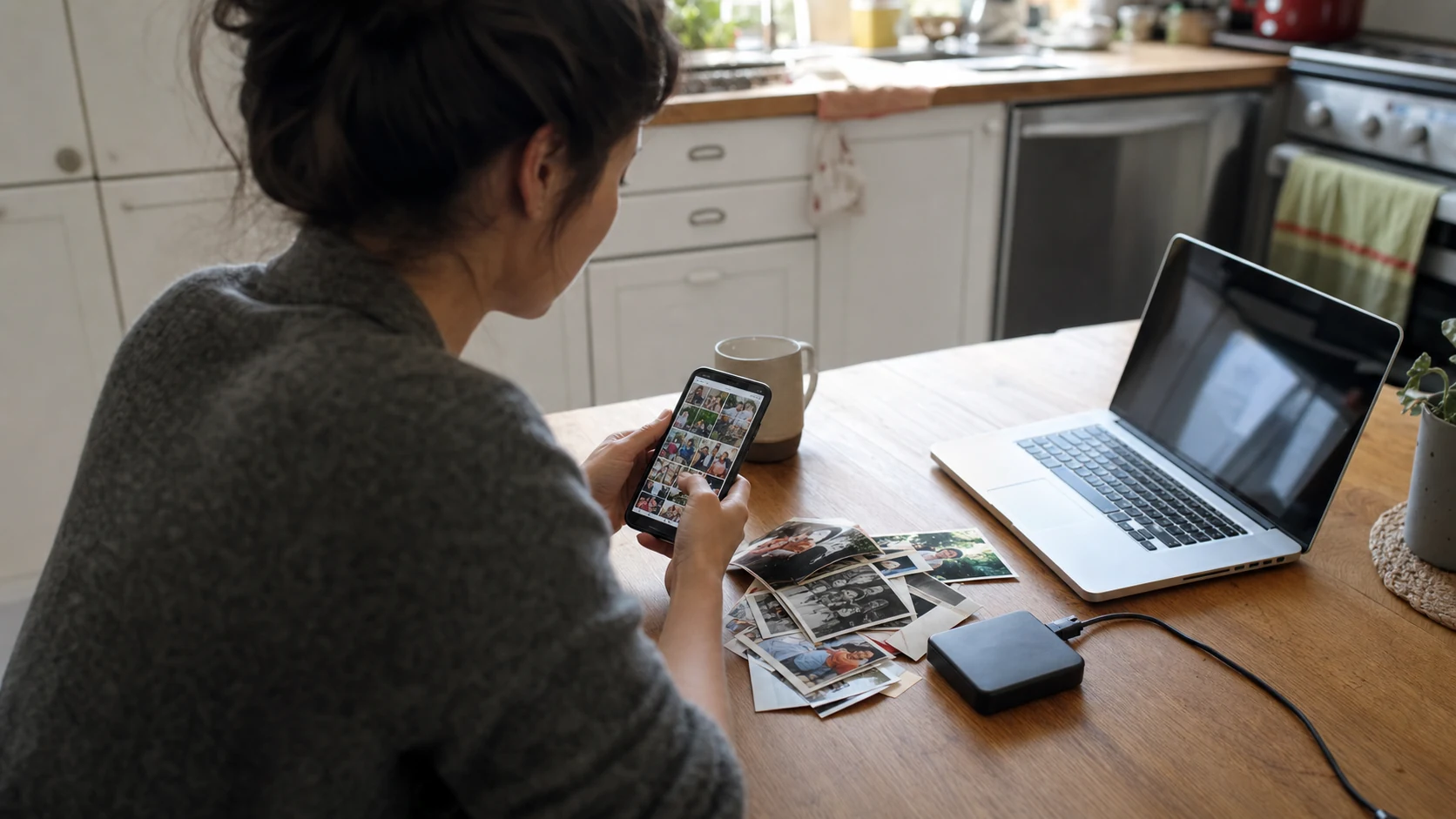
What to Do with Thousands of Photos on Your Phone
Overwhelmed by thousands of phone photos? Use this practical system to back them up, remove clutter, organize favorites, and enjoy the memories again.
August 15, 2026·6 min readRead

Sharing
How to Share Family Photos Between iPhone and Android
Create a shared family photo album that works across iPhone and Android, with clear permissions, reliable video sharing, and one place everyone can contribute.
August 15, 2026·6 min readRead

Home
How to Show Photos and Videos on Your TV
Turn your TV into a photo and video slideshow using Chromecast, Google TV, AirPlay, or DLNA, with practical advice for setup, privacy, sound, and pacing.
August 15, 2026·6 min readRead
Sharing
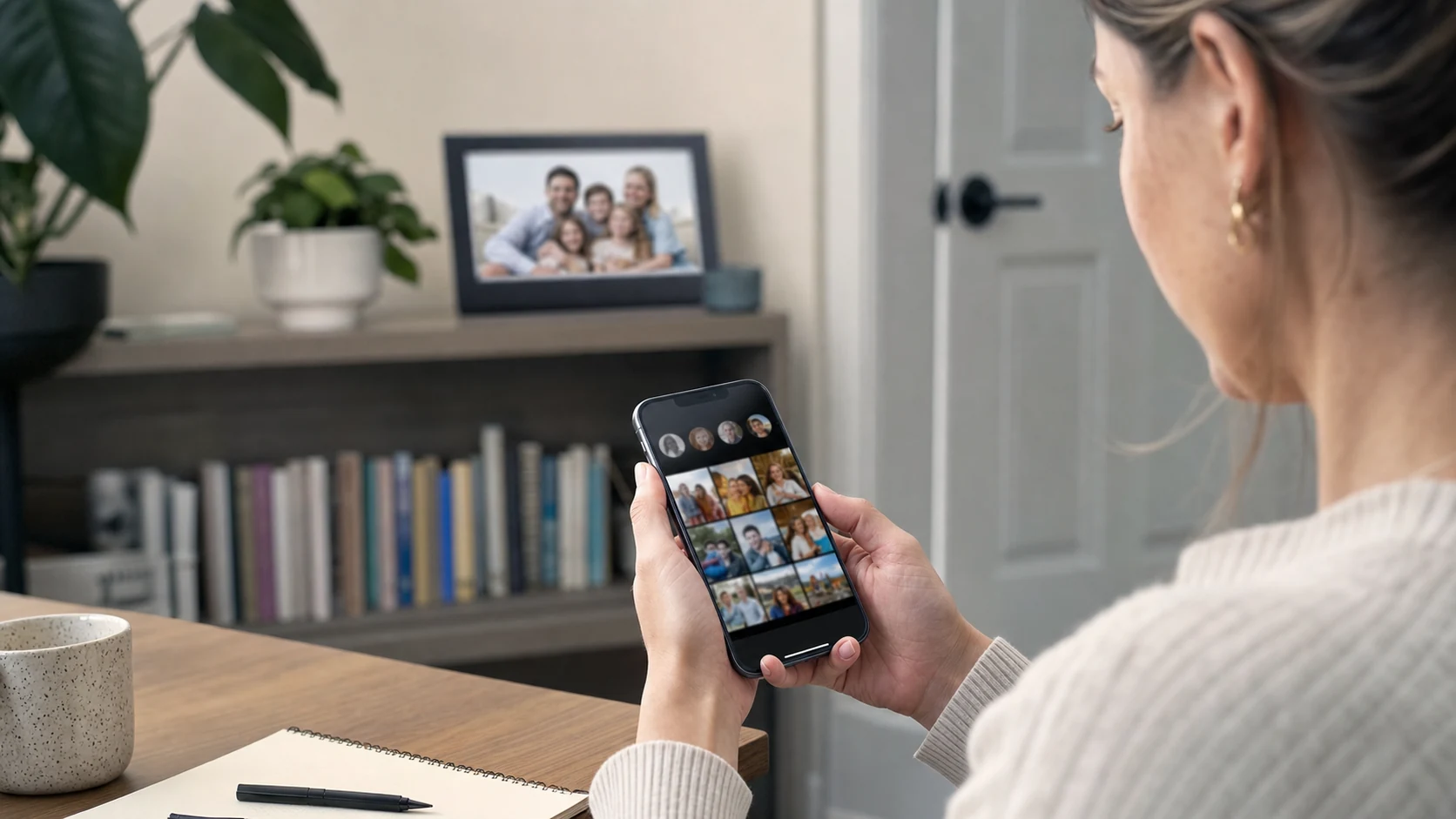
Are Digital Photo Frames Private and Secure?
Learn how Wi-Fi digital photo frames store and share family photos, which privacy controls matter, and what to check before inviting relatives or guests.
August 15, 2026·6 min readRead

Events
How to Collect Birthday Party Photos with a QR Code
Collect birthday photos and videos from every guest with one QR code, no app required. Plan the upload link, signs, privacy, live slideshow, and follow-up.
August 15, 2026·6 min readRead

Events
How to Collect Wedding Guest Photos and Videos with QR Codes
Guests already have cameras in their pockets. A QR code gives those memories one calm place to land, during the day and long after the last dance.
July 20, 2026·5 min readRead

Sharing
Family Photo & Video Sharing Shouldn't Be This Complicated
Your photos and videos are already on everyone's phones. The hard part is giving them one calm place to live, without another chaotic thread.
July 20, 2026·5 min readRead

Ideas
Digital Photo Frame or Tablet App: Which Is Better?
Compare a dedicated digital photo frame with a tablet frame app. The better choice depends on hardware, setup, controls, sharing, video, and who will manage it.
July 20, 2026·7 min readRead
Home
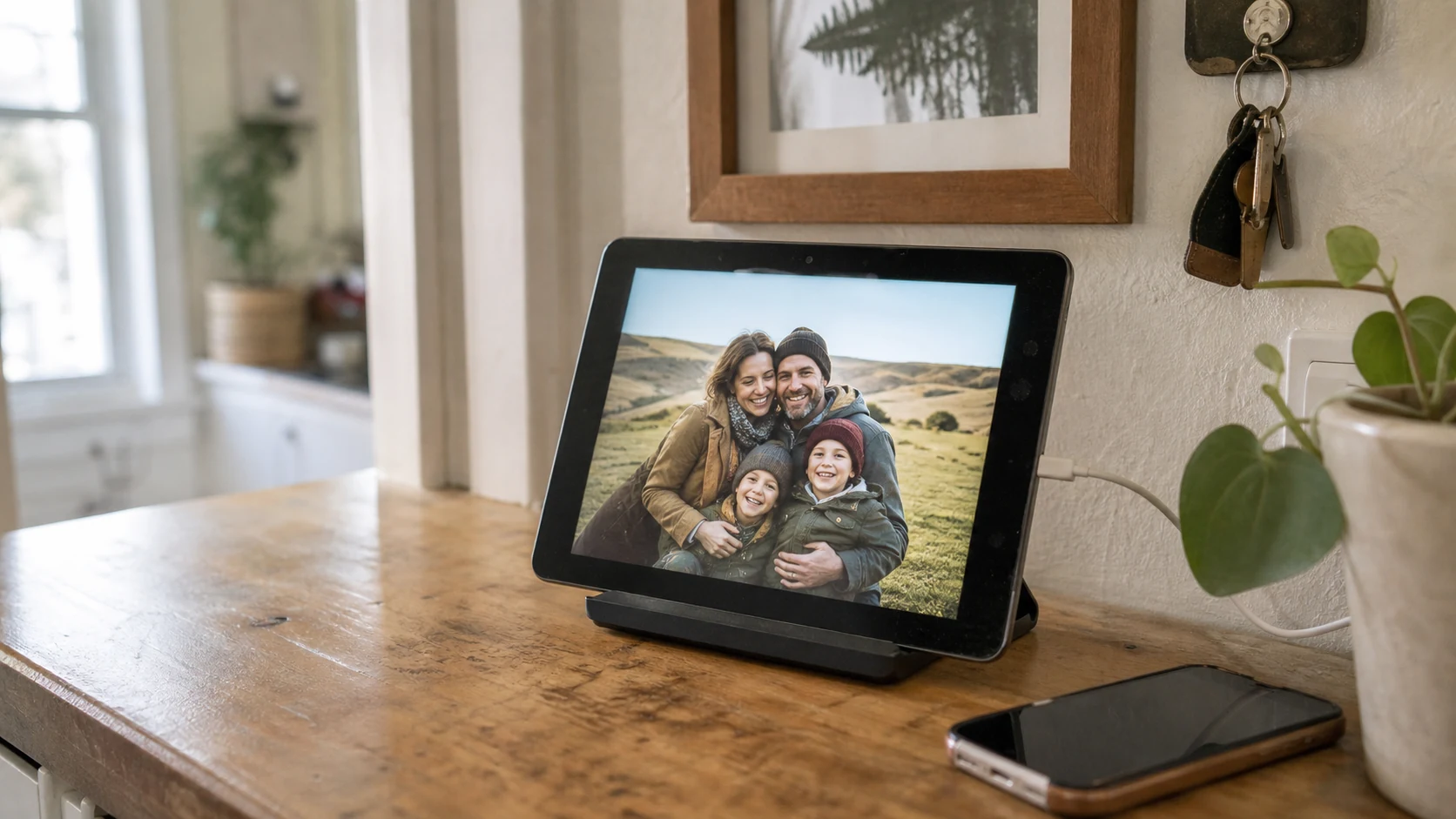
Can You Turn a Spare iPad into a Digital Media Frame?
A spare iPad can make a beautiful digital media frame, but only if the hardware is still capable. Use this practical compatibility and setup checklist first.
July 20, 2026·7 min readRead
Home
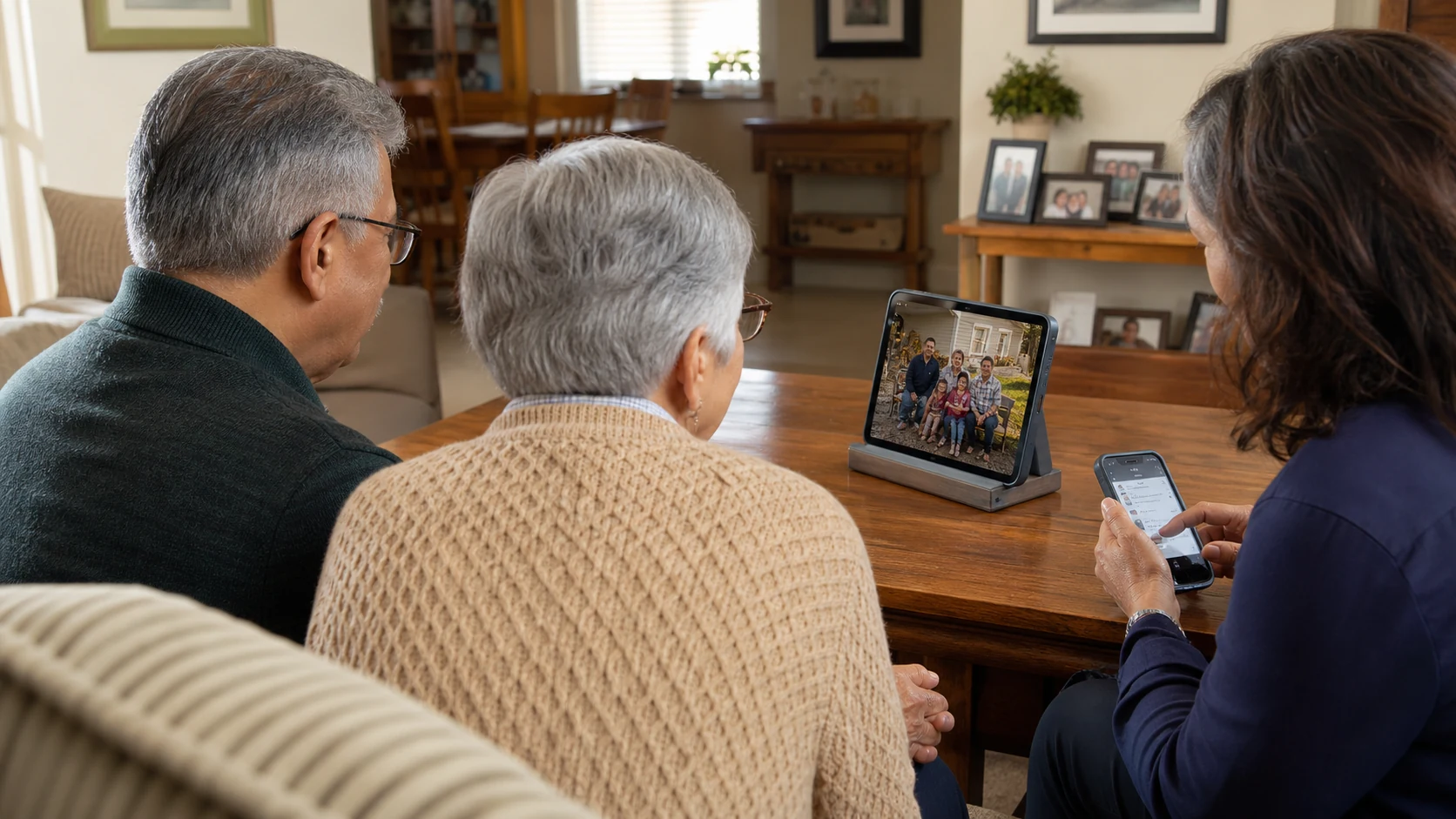
Setting Up a Digital Media Frame for Grandparents
A digital media frame can be simple for grandparents when someone else owns setup. Learn when a managed family frame works and when dedicated hardware is better.
July 20, 2026·6 min readRead
Put them on display
Your photos deserve better than a camera roll
LumiFrame turns the phones, tablets, and TVs you already own into frames that stay current with the people you share with.