Loading…


Use case
Live event memory sharing with QR guest uploads
Aura and Nixplay frames are built for the home. LumiFrame Event Mode is built for the moment, from weddings and professional productions to church gatherings, school nights, and community celebrations.
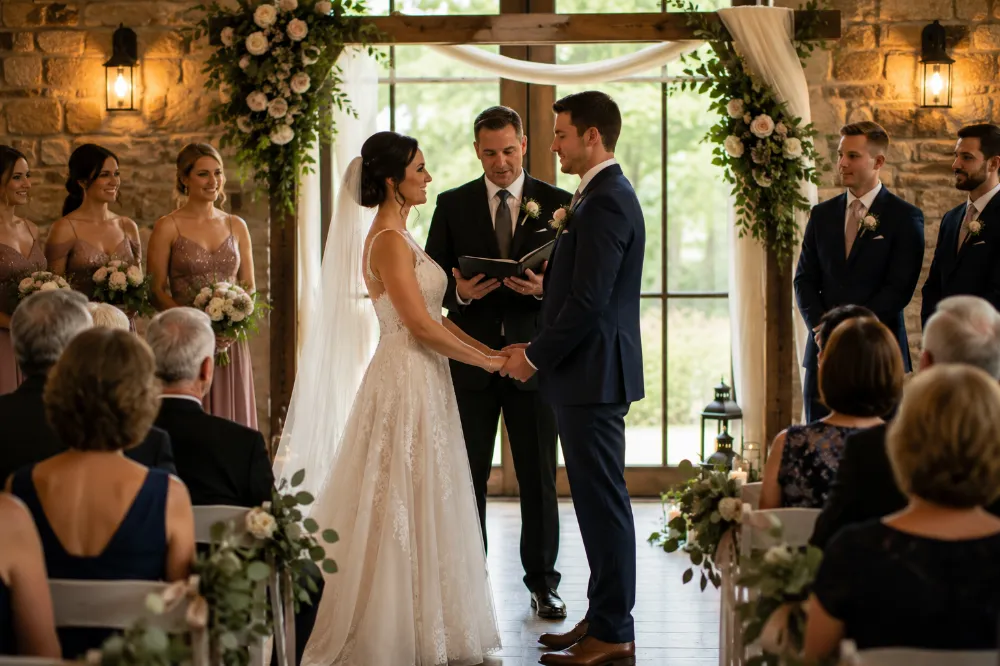
How Album Events work
Start Event Mode on any album to get a QR code and share link. Guests upload from their phone browsers, no LumiFrame account required. Memories appear on your event grid and can play on a frame or TV in real time.
Best for
- Wedding planners, event coordinators, venues, and photographers
- Church gatherings, nonprofit events, and community celebrations
- School events, team celebrations, parties, and reunions
After the event
The album stays in your library. Assign it to a kitchen frame or cast to your TV so the memories keep cycling long after the party ends.
Frequently asked questions
Do wedding guests need to download an app to share photos?
No. Guests scan a QR code or open a share link and upload straight from their phone browser. There is no app install and no account to create, so coordinators can invite a mixed audience without adding technical setup.
Can guests upload videos as well as photos?
Yes. Guests can add both photos and videos from their phone browser, and everything lands in the same event album.
Can guest photos appear on a screen live during the event?
Yes. Uploads appear on the event grid in real time and can play on a frame or TV as the day unfolds, so the room watches the album grow.
What happens to the photos after the event ends?
The album stays in your library like any other. Assign it to a kitchen frame or cast it to your TV so the memories keep cycling long after the party, and share it with guests as a keepsake.
Which plans include Album Events?
Album Events are part of LumiFrame’s paid plans, which set how many events you can run per month and how many guest uploads each event can hold. See the pricing page for current limits.
See plan limits in our Album Events guide and pricing page, or read how to collect wedding guest photos with QR codes.
Album Events
Set up your event in a few minutes
Create an album, print the QR code, and guests add photos from their own phones while the frame shows them live. No app or account needed for guests.