
Setting Up a Digital Media Frame for Grandparents
A digital media frame can be simple for grandparents when someone else owns setup. Learn when a managed family frame works and when dedicated hardware is better.
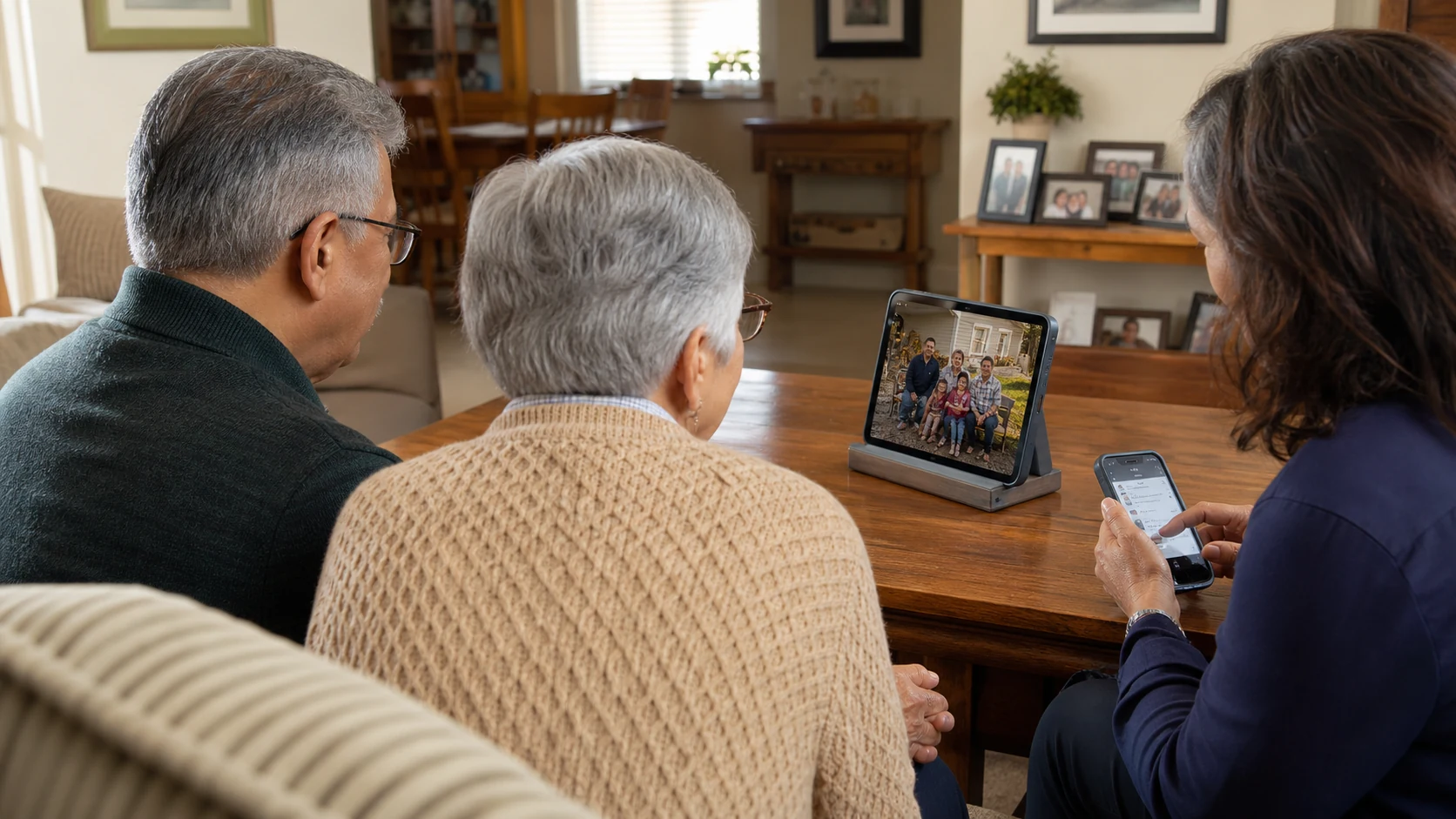
The best digital media frame for grandparents is not necessarily the one with the fewest features. It is the one that asks the grandparent to do the least after setup.
LumiFrame can create that simple viewing experience, but it is a powerful app with detailed album, sharing, frame, and slideshow controls. The most reliable arrangement is managed simplicity: one family member configures the system, while the grandparent mainly enjoys the display.
#Is LumiFrame easy enough for grandparents?
It can be, when the roles are clear.
The person managing the frame may choose albums, invite contributors, adjust transitions, monitor playback, and solve Wi-Fi issues. The person viewing it can simply see familiar faces appear on a screen in the room.
That distinction matters. An app can offer fine control without requiring every viewer to learn every control. The everyday experience can remain simple even when the system behind it is flexible.
If the grandparent wants to explore albums, comment, or control playback, those options are available. If they never want to open a settings screen, the frame should still have value.
#Who should manage a family frame?
Choose one person who is comfortable taking ownership of setup and occasional maintenance. That person should:
- Select and prepare a capable phone or tablet
- Connect it to stable Wi-Fi and power
- Create the main family album
- Invite relatives who will contribute
- Decide who can view, add, or manage memories
- Check the frame if it goes offline or stops playing
Several people can contribute photos and videos, but one named owner prevents the familiar problem where everybody assumes somebody else is maintaining the gift.
#What hardware works best for grandparents?
Do not start with the oldest tablet the family can find. Start with a device that still handles modern apps and media reliably.
LumiFrame requires iOS 16.6 or later or Android 7 or later. Those are installation minimums, not a guarantee that an aging device will play every video and transition smoothly. Use a tablet you would still trust for normal video playback, with a clear screen, dependable Wi-Fi, and a healthy charging connection.
Also consider the room and the person:
- Choose a screen large enough to see comfortably from the usual chair.
- Use a stable stand that cannot be knocked over easily.
- Keep the cable tidy and accessible.
- Place the display outside direct sunlight.
- Silence unrelated notifications.
If the available tablet is slow, unsupported, or physically unreliable, newer hardware or a dedicated digital frame is the more considerate choice.
#What should the grandparent need to do each day?
Ideally, almost nothing.
A well-managed setup looks like this:
- The display stays connected to power.
- A family album is already assigned.
- Trusted relatives add new photos and videos.
- The slideshow remains available in a familiar place.
The success moment is not navigating a menu. It is noticing a new school photo over breakfast or seeing a family trip appear between visits.
If the system regularly asks the recipient to sign in again, reorganize albums, or diagnose connectivity, it has stopped being simple from their perspective.
#How can family members add photos remotely?
LumiFrame shared albums let invited family members contribute from their own supported devices. The album owner decides who can view, add memories, or help manage the collection.
A practical family arrangement is:
- One owner manages the album and frame.
- Close relatives contribute new memories.
- The grandparent views the display and participates only as much as they want.
- A second trusted person has enough access to help if the main owner is unavailable.
Start with two or three reliable contributors. A smaller group that adds meaningful photos regularly is better than a long invitation list that nobody uses.
#How do you keep the experience simple?
Set up less than you think you need.
- Begin with one album instead of an elaborate collection.
- Choose a calm slideshow theme and readable timing.
- Keep the display in the same location.
- Avoid mixing personal notifications with frame use.
- Write down the device passcode and account recovery plan somewhere secure.
- Test remote support before the family member who set it up leaves town.
Detailed controls are useful for the manager, but they should solve a real need. Do not change transitions, timing, and album assignments every week just because the options exist.
#When is a dedicated digital frame better?
A dedicated frame may be the better gift when:
- No family member can own ongoing setup and support
- The recipient wants a sealed, single-purpose appliance
- The only spare tablet is too old or unreliable
- The household has unstable Wi-Fi and needs stronger offline behavior
- The recipient is uncomfortable having a general-purpose tablet on display
There is no failure in choosing simpler hardware. The goal is family connection, not proving that one technology fits every household.
LumiFrame makes more sense when the family wants shared albums, detailed permissions, photos and videos, multiple managed displays, or TV casting, and someone is happy to configure those capabilities.
#A low-stress setup plan
Use this sequence before presenting the frame:
- Test the device with real photos and videos.
- Install LumiFrame and create the family album.
- Add enough memories that the display feels alive immediately.
- Invite the first two contributors.
- Set the stand, power, brightness, and notifications.
- Run the complete setup for several hours on the recipient's Wi-Fi.
- Show the grandparent only the controls they actually want to use.
The setup is finished when the display works in the real room, not when the account is created.
#Frequently asked questions
#Do grandparents need to upload their own photos?
No. Other family members can contribute to a shared album. The grandparent can simply enjoy the display if that is what they prefer.
#Can someone manage the frame from another device?
Yes. LumiFrame is designed for managing frames and assigned albums from a signed-in controller device. Remote control and status features depend on the frame being online.
#What if the tablet is very old?
Do not use it solely because it is available. It must meet the operating system requirement and perform well with current photos, videos, Wi-Fi, and continuous playback.
#Is LumiFrame simpler than a dedicated digital frame?
Not in every situation. LumiFrame offers more flexibility and control. A dedicated frame can be simpler for a recipient who needs a completely appliance-like experience and has no family member managing the setup.
LumiFrame works best for grandparents when a capable device, a dependable family manager, and a living shared album come together. The viewing experience can stay calm without pretending the system has no controls.
#Keep reading
Sharing and collaboration guide · Your Frames guide · Can a spare iPad become a frame?